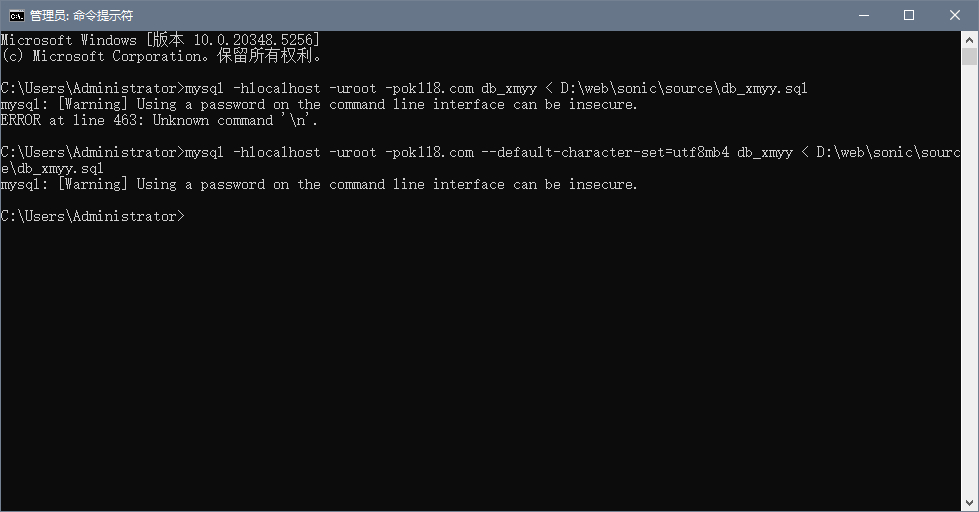

mysql导入sql文件时报错了:
C:\Users\Administrator>mysql -hlocalhost -uroot -pok118.com db_xmyy < D:\web\sonic\source\db_xmyy.sql
mysql: [Warning] Using a password on the command line interface can be insecure.
ERROR at line 463: Unknown command '\n'.
如下图: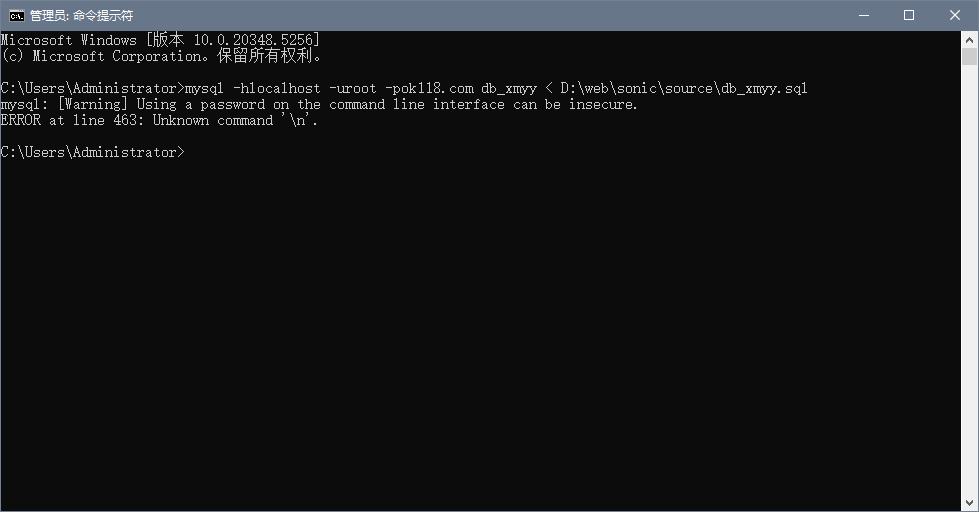
上述错误,是因为字符集的问题,解决方法就是在导入命令中加:--default-character-set=utf8或--default-character-set=utf8mb4即可,具体值根据您的数据库字符集而定。
操作如下:
C:\Users\Administrator>mysql -hlocalhost -uroot -pok118.com --default-character-set=utf8mb4 db_xmyy < D:\web\sonic\source\db_xmyy.sql
mysql: [Warning] Using a password on the command line interface can be insecure.
如下图: